
There are two types of subscriptions - those made directly on platform.move.ai and legacy plans purchased through the iOS App Store
New Platform Customer
If you are a Move One subscriber and wish to cancel your subscription, please follow the instructions below:
-
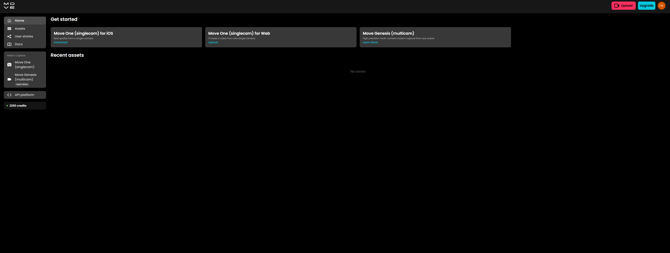
Log in: Go to your platform account at platform.move.ai
-
Access Profile: Click the profile icon in the top right-hand corner of the screen.
-
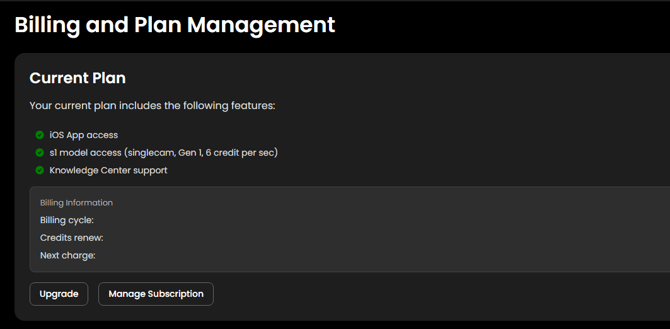
Navigate to Billing: Click on Billing and plan.
-
Manage Account: Click the Manage Subscription button.
-
Cancel: Click Cancel Subscription.
Note: Your subscription will remain active until the end of your current billing cycle, at which point it will officially terminate.
Legacy Customer
- Open the Settings app on your iOS device.
- In the search bar at the top of the Settings page, type the word "Subscriptions." A list of matching options will appear. Select the top option labeled Subscriptions.
- Once you’re on the Subscriptions page, you will see a list divided into Active Subscriptions and Inactive Subscriptions.
- Locate and click on the Move One app under the Active Subscriptions section.
- On this page, you’ll see the details of your Move One subscription. Scroll down and select Cancel Subscription.
- Follow any prompts to confirm your cancellation. Once confirmed, your subscription will no longer renew at the end of the current billing cycle.